


Adding senders' email addresses to your safe senders list ensures important emails land in your inbox instead of the spam or junk boxes.
Here's how to do it for popular email providers:
- Gmail: Open the spam folder, click 'Not Spam' on the message, or add the sender's email to your contacts list.
- Outlook: Right-click the email, select 'Junk' then 'Never block the sender', or add the sender to your safe senders list via Settings.
- Apple Mail: Open the junk folder, move the message to inbox, and add the sender to contacts.
- Yahoo Mail: Open spam folder, click 'Not Spam', or add sender to contacts.
- Hotmail: Right-click the email then Junk then 'Never Block Sender' Or Go to 'Settings' (top right) then 'View all settings' then 'Rules' then 'Add new rule'. Under 'Safe senders', add the email address then click 'Save'.
Alternatively - Open the junk folder, select the email, click 'Not junk'
If you're using different email app send a message to website@nebc.uk so that it can be added to the list
Web Admin
There are just a few days left to enter the following NEBC Internal Competitions:
Derek Agar Billiards Scratch Singles Trophy
Mike Johnson is the current holder
George Rudd Scratch Snooker Singles Trophy
Tim Williams is the current holder
Brian Agus Snooker Doubles Trophy
Paul Mann and Stephen Woolstencroft are the current holders
The draws will be made early next week, so feel free to drop me an email/text if you haven't already registered.
Dan Murphy
for Snooker Club Members
07986 551249
Click a photo to view it actual size
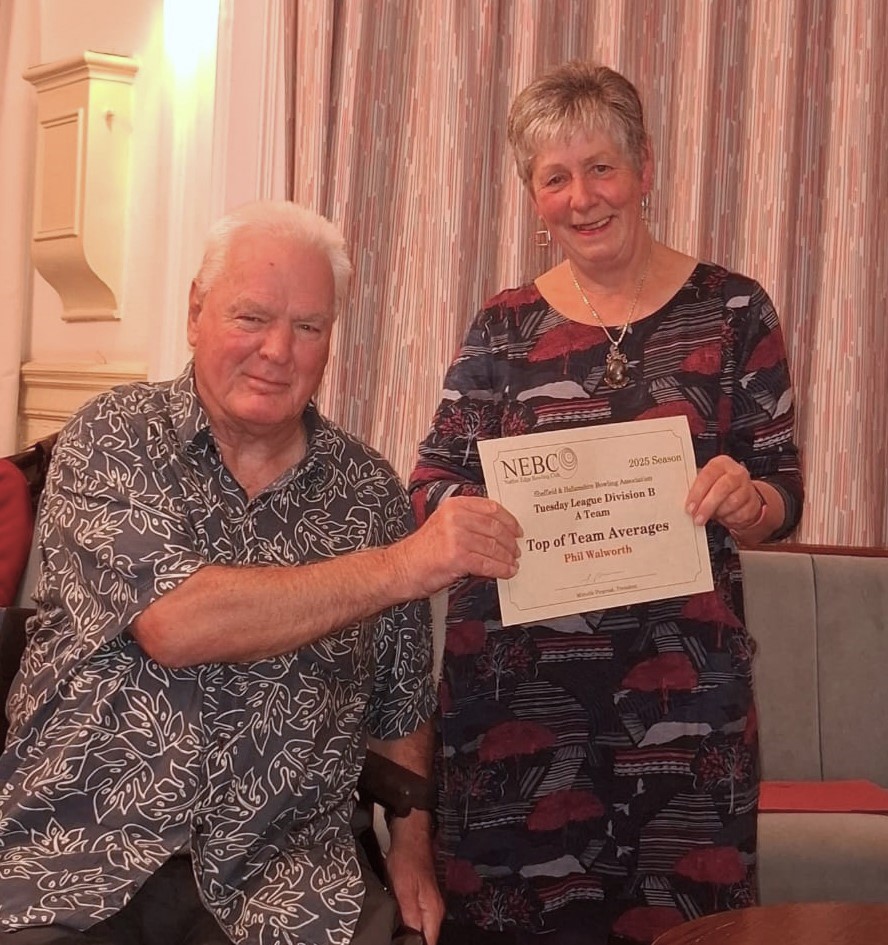
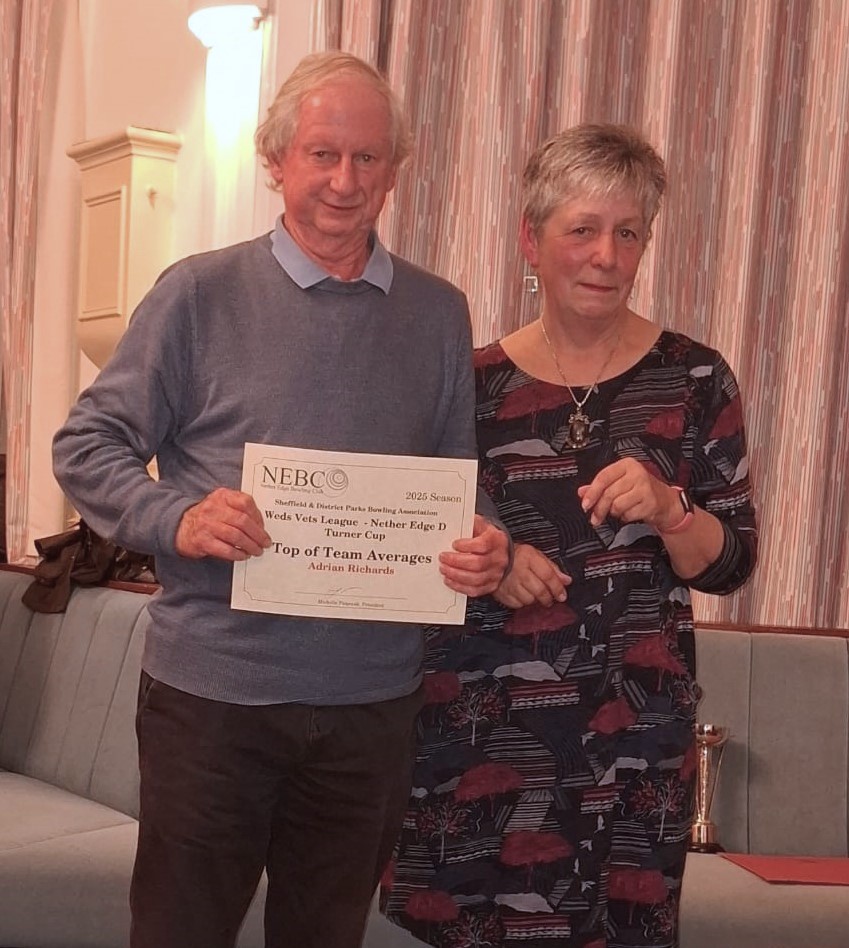
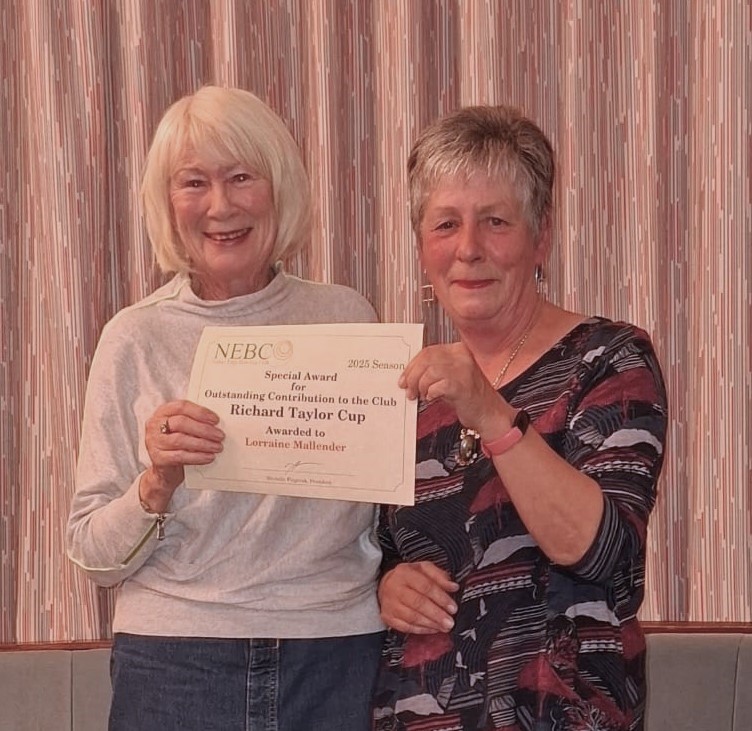
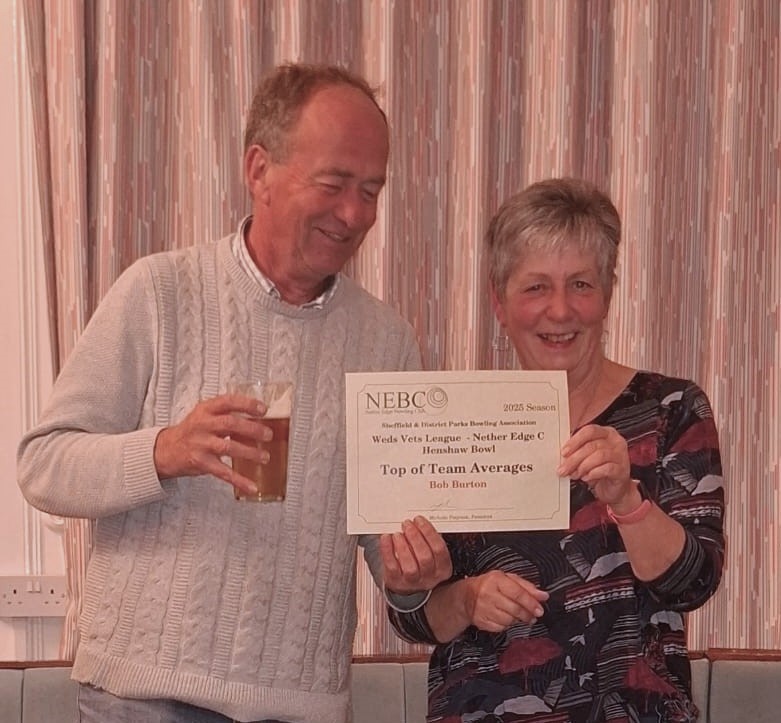
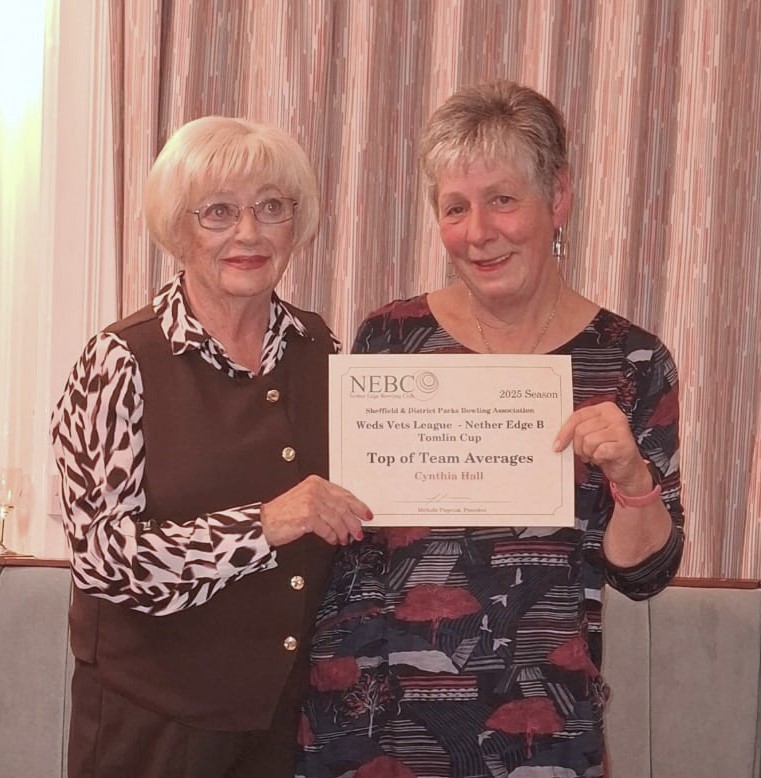
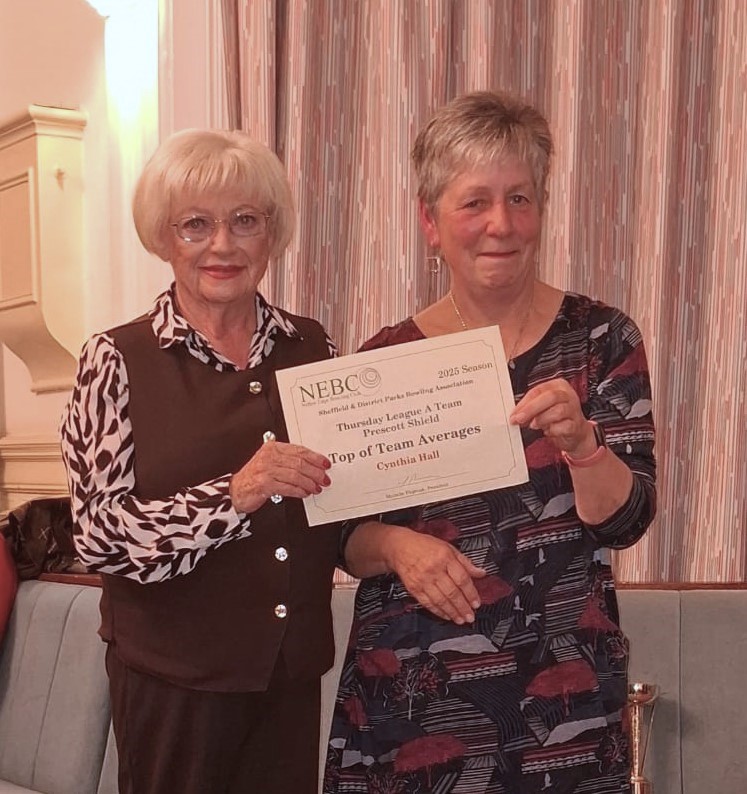
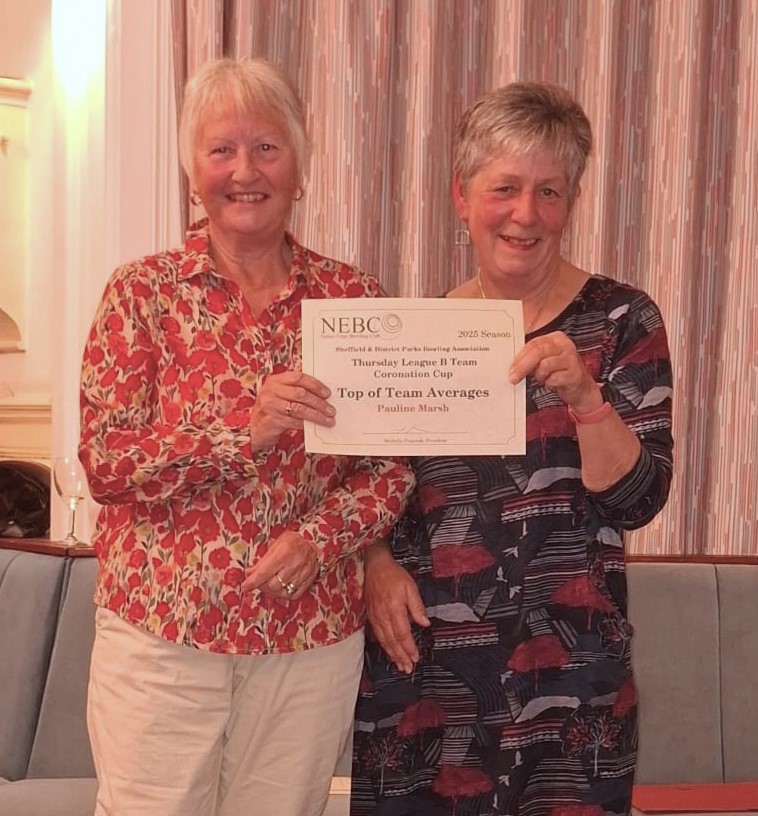


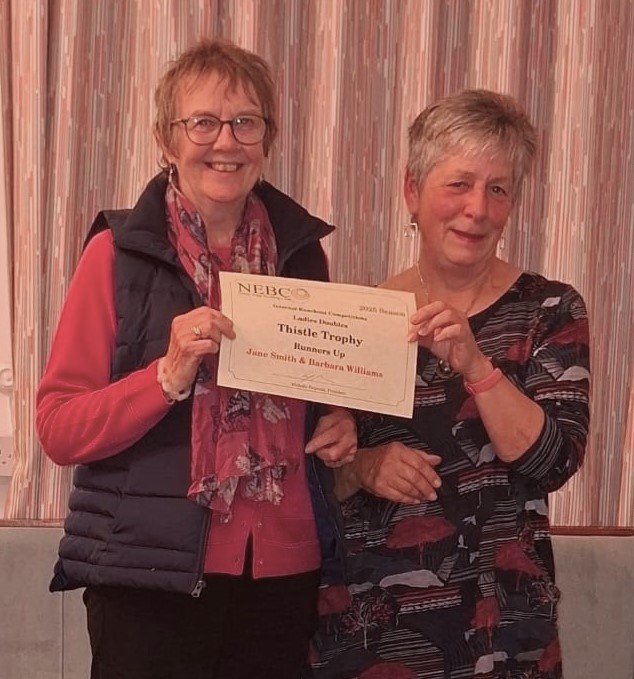


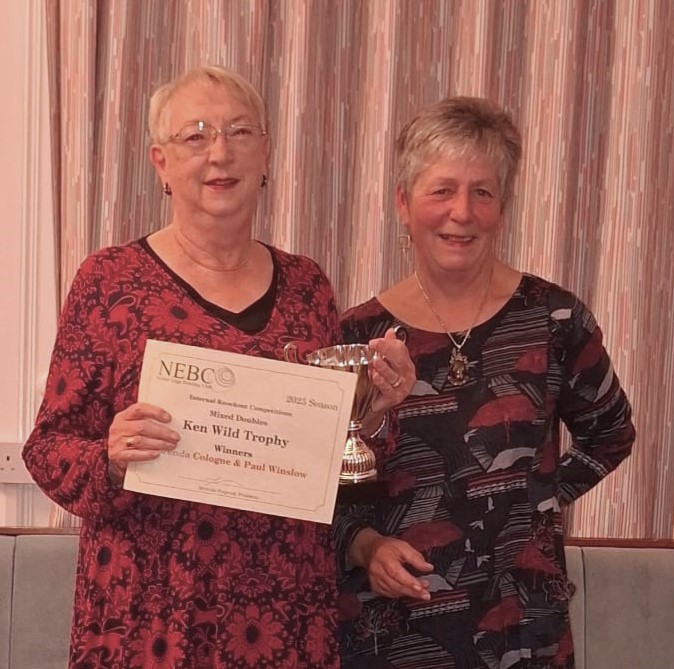
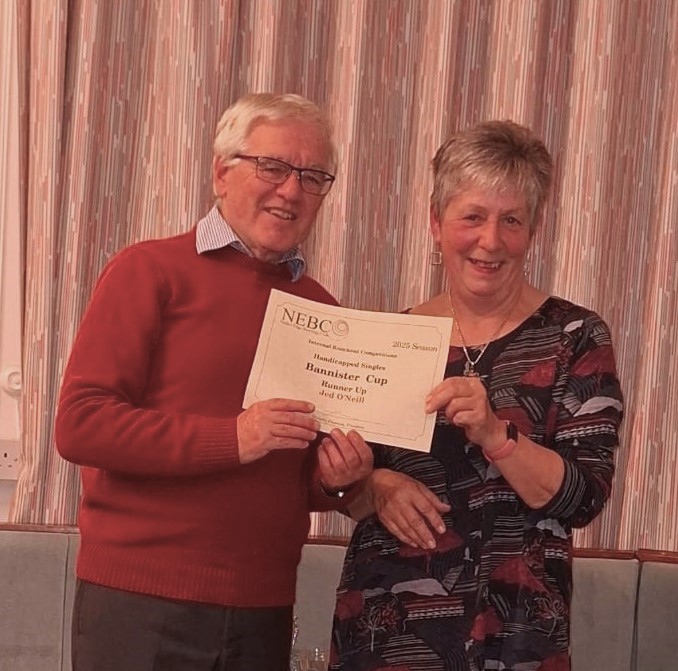


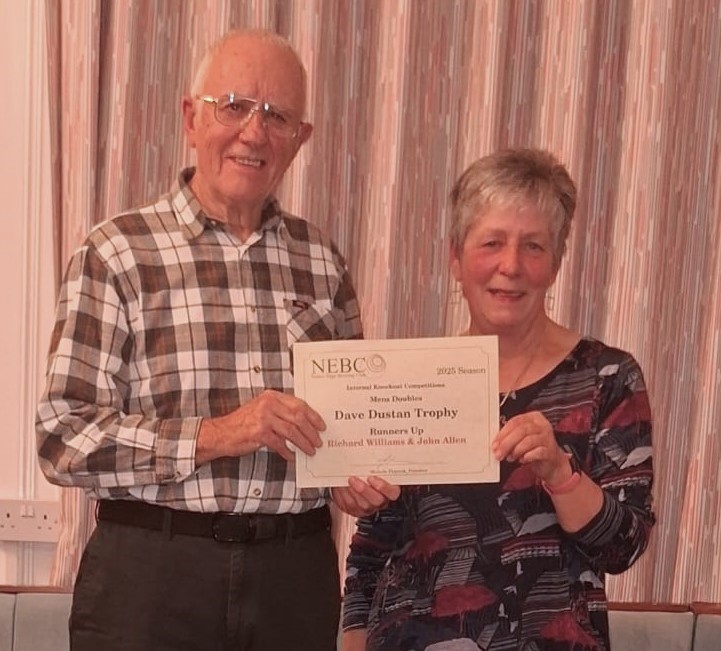
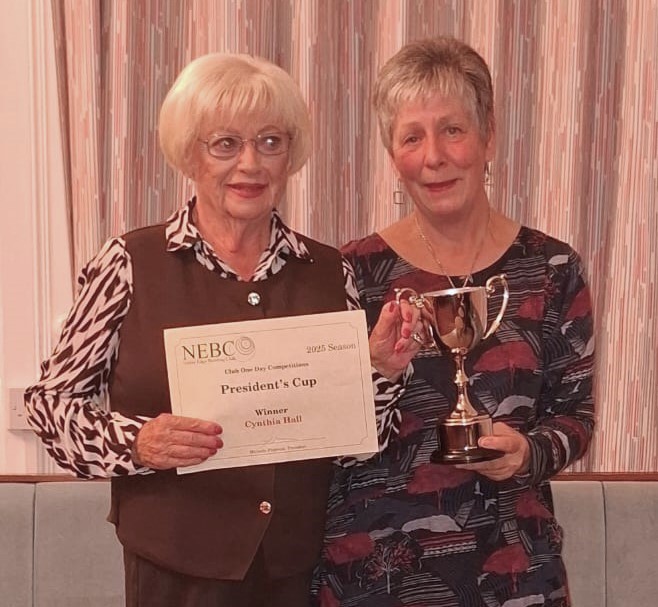
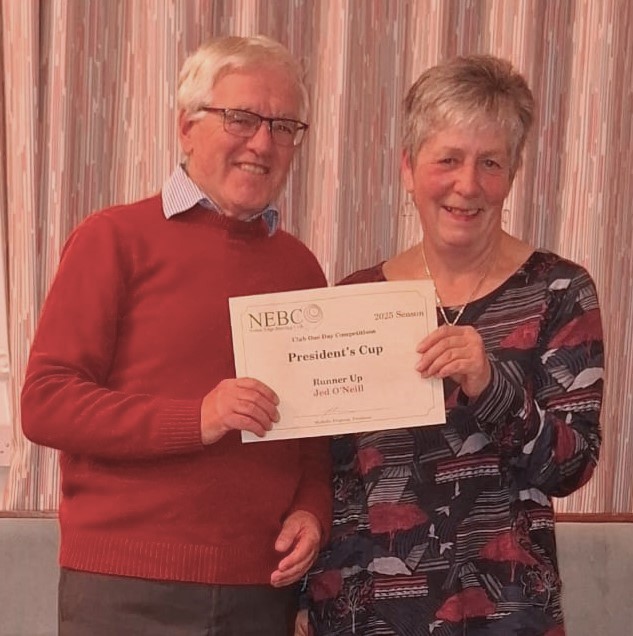


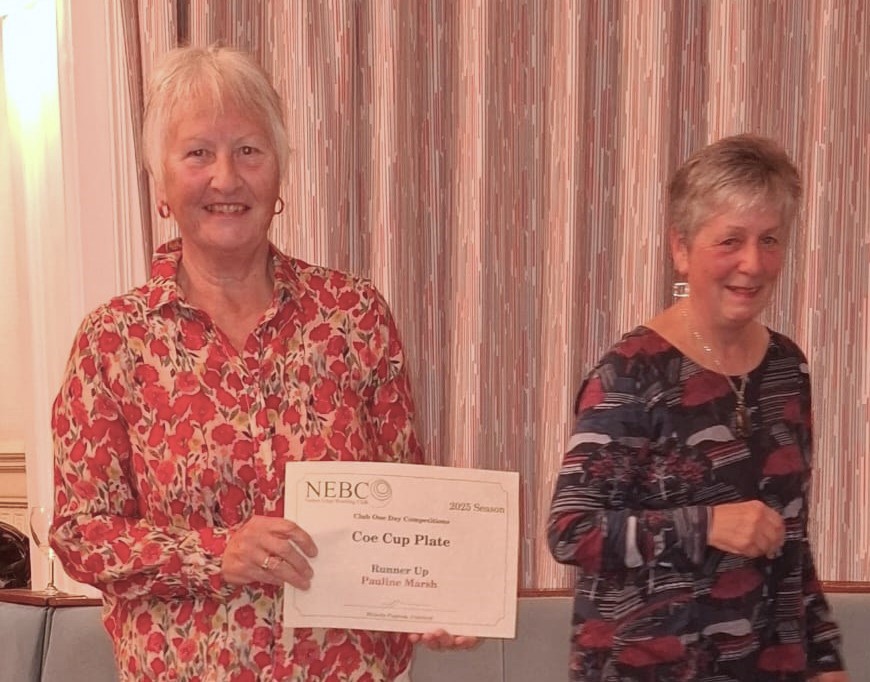
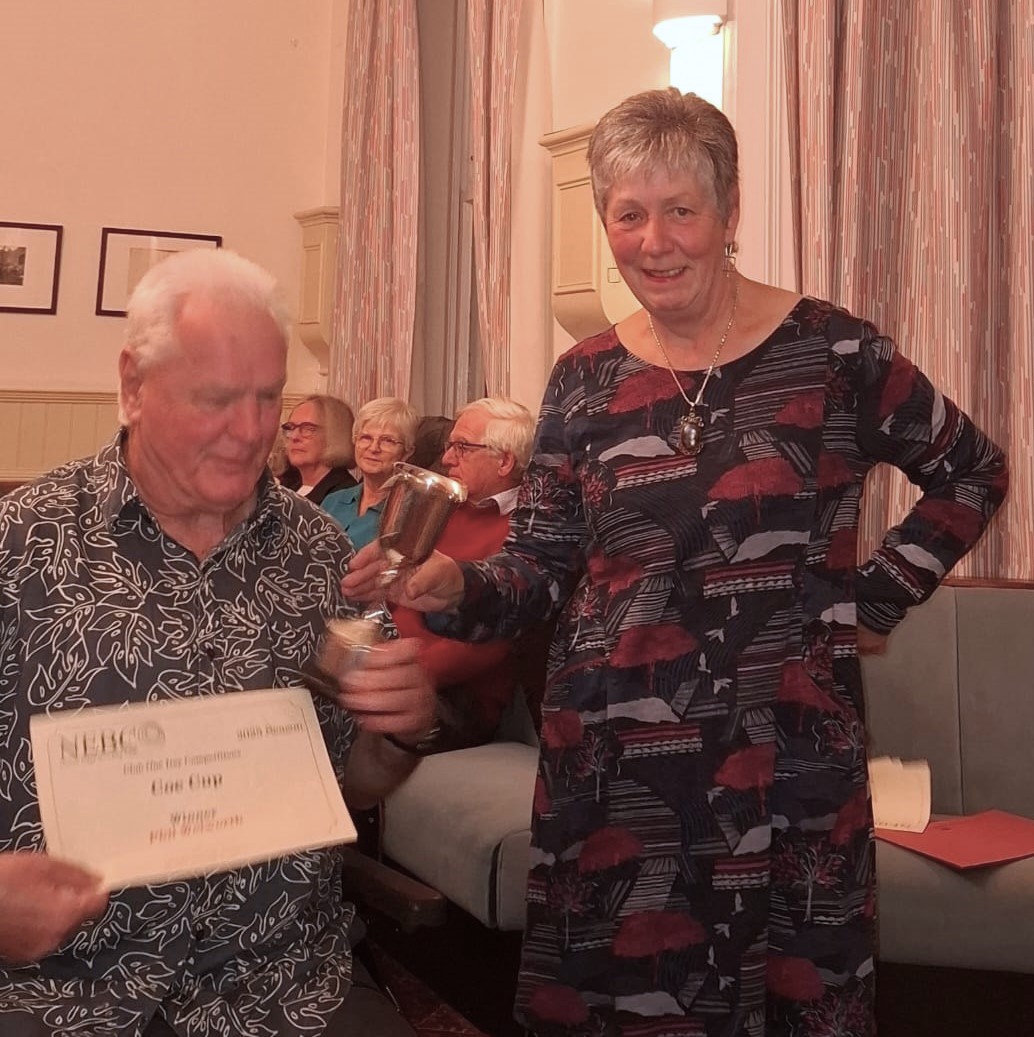


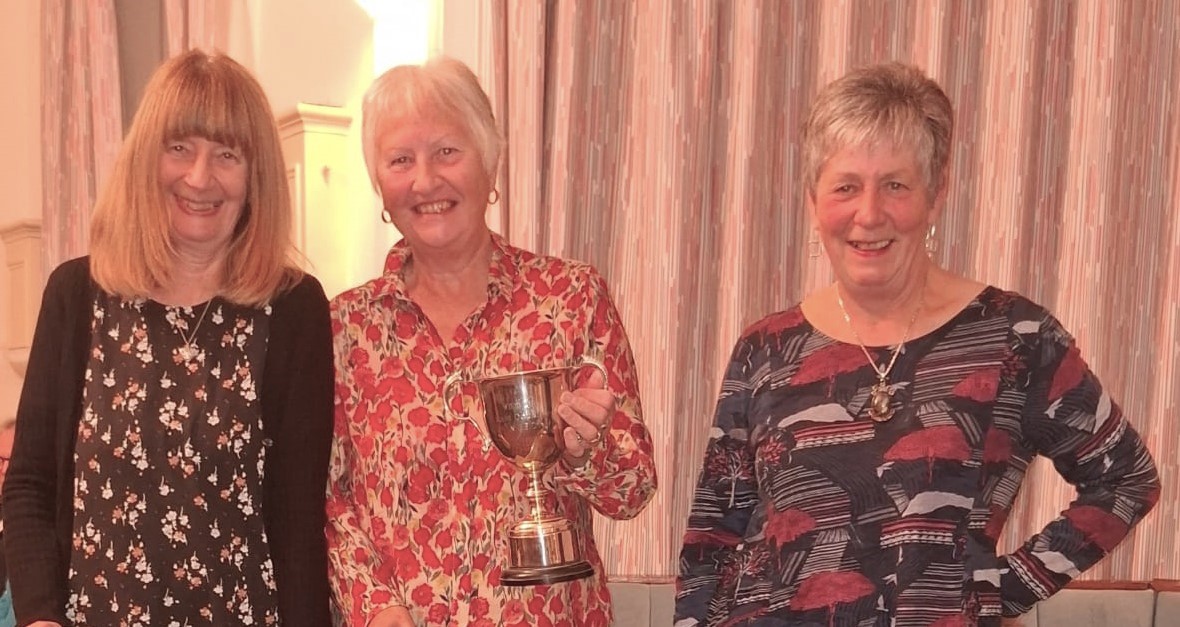

Photos courtesy of Christine Young
